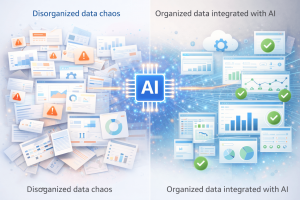



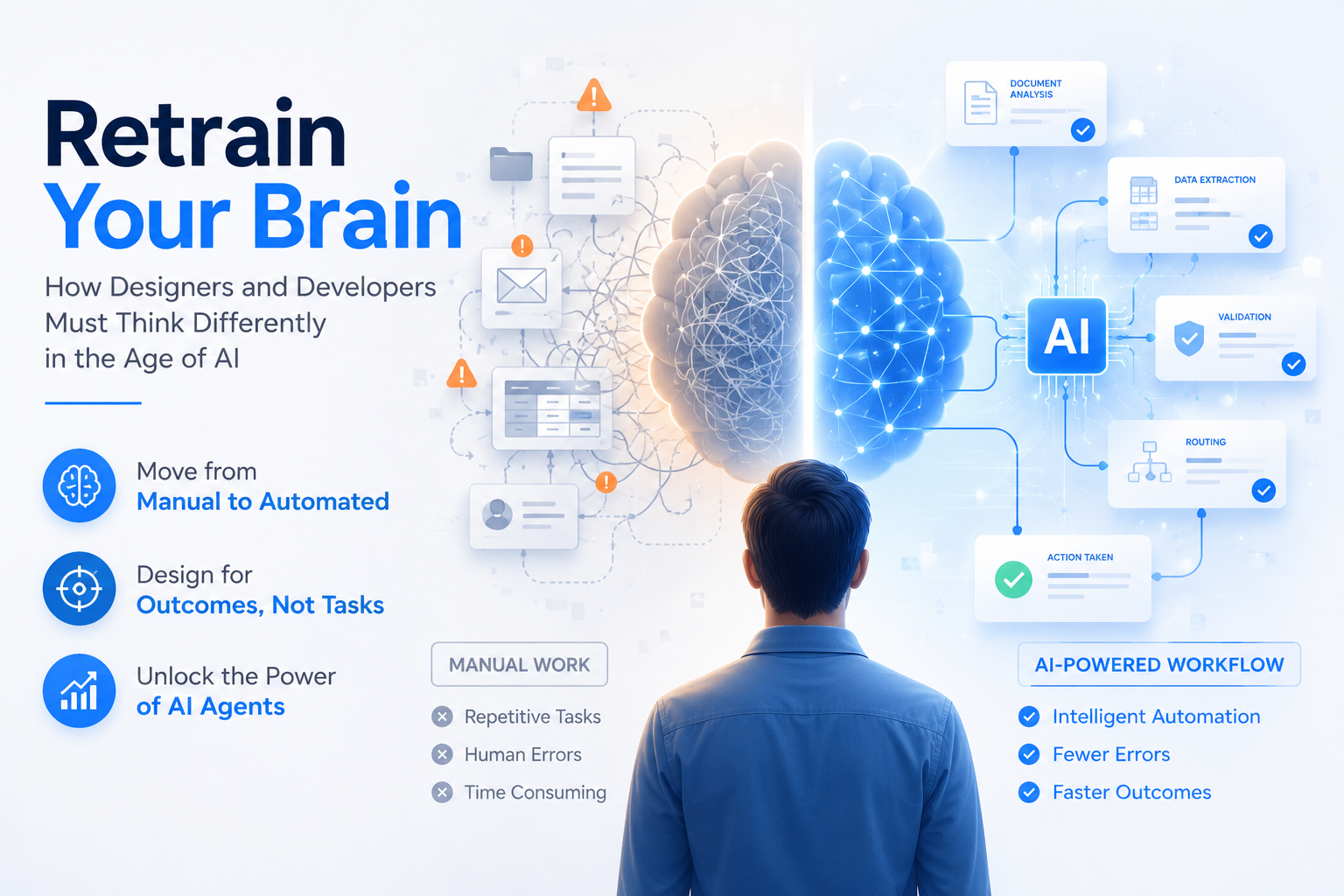
Developing the right AI integration mindset is the most important shift a designer or developer can make right now. Most are using AI to work faster, generating code in Copilot, mocking up screens in minutes, shipping projects ahead of schedule. It looks like progress.
But here is the problem. The apps they are building faster still expect users to do the same manual work they have always done. Enter data into fields. Drag documents from folder to folder. Click through approval screens. Navigate menus to trigger processes.
If the person using the app is still performing the work, the app has not moved the needle. It has just given them a more modern interface for doing the same old job.
The real opportunity is not using AI to build apps faster. Instead, it is designing apps where AI does the work inside the product so the people using it do not have to.
That requires a completely different AI integration mindset. And it requires retraining your brain from the ground up.
The Jira Moment: When Agents Stopped Being Abstract
For a long time, the concept of an AI agent felt abstract. A model. A system. Something technical that lived in documentation and conference talks but was hard to picture in practice.
The mental model that changed everything was surprisingly simple: an agent is not abstract software. Rather, an agent is a person, one you have to manage, give tasks to, provide context for, and hold accountable for outputs.
Once that clicks, something else follows immediately. Because if agents are people, then managing agents is something most designers, developers, and tech leads have been doing for years.
It is Jira.
Think about what a ticket in Jira actually contains. An assignee. A description of the work. Acceptance criteria. Input dependencies. A status. A definition of done. A trigger for what happens next when it is complete.
An agent task contains exactly the same things. The model is the assignee, the prompt serves as the description and acceptance criteria, and the input data is the dependency. The confidence threshold and output format define when the task is done. As a result, the successful output triggers the next step in the workflow.
How Agent Workflows Mirror Sprint Teams
A Jira board has statuses and transitions. To Do, In Progress, In Review, Done. An agent workflow has the same structure. The agent is running (In Progress). If the output falls below a confidence threshold, it escalates to a human (In Review). Once the human approves, the next agent in the sequence gets triggered (Done).
Similarly, a sprint team has people with different roles. Developer, designer, QA, business analyst. Each one owns a specific part of the workflow and hands off to the next. An agent workflow mirrors this structure exactly. A classifier agent hands off to an extraction agent, which hands off to a validation agent, which in turn hands off to a routing agent.
You have been building and managing these workflows for years. You just did not call them agents.
AI Integration Mindset: Every Feature Is a Trigger
Once the agent-as-person model lands, something starts to snowball. You stop looking at features as things users interact with and start looking at them as potential handoff points between humans and agents.
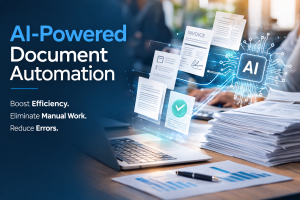
Consider a user uploading a document. In a traditional app, that is simply a file upload. With the right AI integration mindset, however, that upload becomes a trigger. An agent classifies the document, extracts the relevant data, validates it against business rules, and routes it to the right workflow. As a result, the user never touches it again.
A deal gets marked Closed Won in the CRM. In a traditional app, that is just a status change. In an AI-integrated app, by contrast, it is a trigger. An agent generates the contract from an approved template, creates the onboarding task sequence, sends the welcome communication, and provisions the account, all automatically.
Similarly, an invoice hitting thirty days overdue triggers an agent to check the customer payment history, assess the appropriate follow-up tone, draft the communication, and route it for approval before it goes out.
The question stops being what does the user do here and starts being should a human be doing what happens next, or should this trigger an agent. Consequently, the interface is no longer just a way to display and collect information. It becomes a control surface for a workforce of agents running underneath it.
The Human in the Middle
None of this means humans disappear from the workflow. They do not. However, their role changes fundamentally, and that change has enormous implications for how you design the interfaces they use.
In a traditional app, the interface is designed for someone performing work. They enter data, process documents, route approvals, and update records. The UI is therefore optimized for efficient task completion.
In an AI-integrated app, by contrast, the human is not performing the routine work anymore. The agent is. Instead, the human is overseeing the work: reviewing exceptions, making judgment calls, providing feedback, and approving outputs before they trigger the next sequence.
That is a completely different UI problem. And in many ways it is harder.
The oversight interface needs to show the agent work, not just its output. For example, the reviewer needs to see what the agent processed, what it decided, and how confident it was. Additionally, it needs to surface exceptions clearly, surfacing only what genuinely requires human intelligence. It needs to capture feedback in a structured way so corrections flow back into the system and improve future performance. Furthermore, it needs to treat corrections as triggers. A human rejecting a document classification is not the end of the workflow. It is, in fact, the start of a new one.
AI Integration Mindset: Designing for Two Audiences
Here is the insight that most designers have not arrived at yet, and it is the one that requires the deepest shift in AI integration mindset.
For most of the history of software, design has been human-centered. Every UX principle, every design pattern, every accessibility standard has been built around the assumption that a human is the end consumer of the interface.
That assumption is no longer sufficient. Because in an AI-integrated application, the primary consumer of many features is not a human. It is an agent.
Agents do not need beautiful UI. Instead, they need clean, predictable, well-structured data and clear, unambiguous outputs. They do not get confused by a cluttered layout. Rather, they get confused by inconsistent data models, ambiguous state, and unpredictable API responses.
As a result, designers and developers now have to think about two completely different audiences simultaneously. For the AI layer: structure, consistency, reliability, and clean data architecture. For the human layer: clarity, conversation, context, and a great experience at the moments that require human judgment.
That is not a diminishment of UX. It is, in fact, an elevation of it. The human is no longer doing routine work. They are making the judgment calls the agent could not make. Therefore, every second of friction in that interface carries a higher cost than it ever did when humans were just entering data.
For a deeper look at how this plays out in practice, read our article on Agent Experience AX design.
The New Design Language: Conversation
The human interface in an AI-integrated application is not built around fields, buttons, and drag-and-drop interactions. Those patterns were designed for humans performing work. When the human role shifts to overseeing and directing an agent, however, the interface needs a different language.
That language is conversation. Not because chat interfaces are trendy, but because conversation is the most natural way for a human to express intent to an intelligent system. The human expresses what they want, and the AI figures out how to do it.
Conversational UI in enterprise software, however, carries design responsibilities that a casual chat window does not. The human needs to know what the AI understood and what action was taken. They also need to know when the AI is confident versus uncertain, as well as a correction mechanism that actually teaches the system something rather than just fixing the immediate output.
Think of it as designing the relationship between a capable manager and a highly skilled but very literal assistant. The manager speaks in natural language. The assistant acts, confirms, and asks when uncertain. Subsequently, the manager reviews, corrects, and approves. The whole exchange is logged, auditable, and gets smarter over time.
Retrain Your Brain: The AI Integration Mindset Journey
The AI integration mindset shift this requires is real, and it takes time. Understanding what AI is and what it can do is only the first layer. Then comes understanding agents as members of a team. After that, understanding triggers, meaning how every interaction is a potential handoff point. Then understanding the human layer, specifically what oversight, QA, and feedback interfaces need to do. Finally, the deepest reframe: you are not only designing for humans anymore. You are designing for AI to consume, and for humans to direct.
None of that comes naturally if you have spent your career thinking about software as something people use. However, once the connections start forming, they snowball. You start looking at every feature through the lens of which agent performs this task. As a result, you start designing the human interface around oversight and conversation rather than data entry and navigation.
The designers and developers who develop this AI integration mindset are going to build products that feel different in ways that are hard to articulate but impossible to miss. Products where the work happens automatically, the exceptions surface clearly, and the human is always in control without ever being burdened by the routine.
That is what software looks like in this new world. And building it starts with retraining your brain to see it.
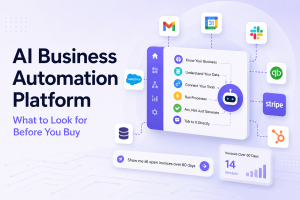
Zepity is built for teams making exactly this shift, from building apps that people use to building apps where AI does the work and people provide the direction. Our platform includes agent orchestration, workflow automation, AI document processing, and the data connectors that make it all work together. Learn more at www.zepity.com.
About Zepity
Zepity is an AI-native application builder built from 20+ years of enterprise software development experience. It helps teams plan, generate, customize, and deploy production-ready business applications using structured organizational knowledge, reusable components, and AI-driven generation. Learn more at www.zepity.com