


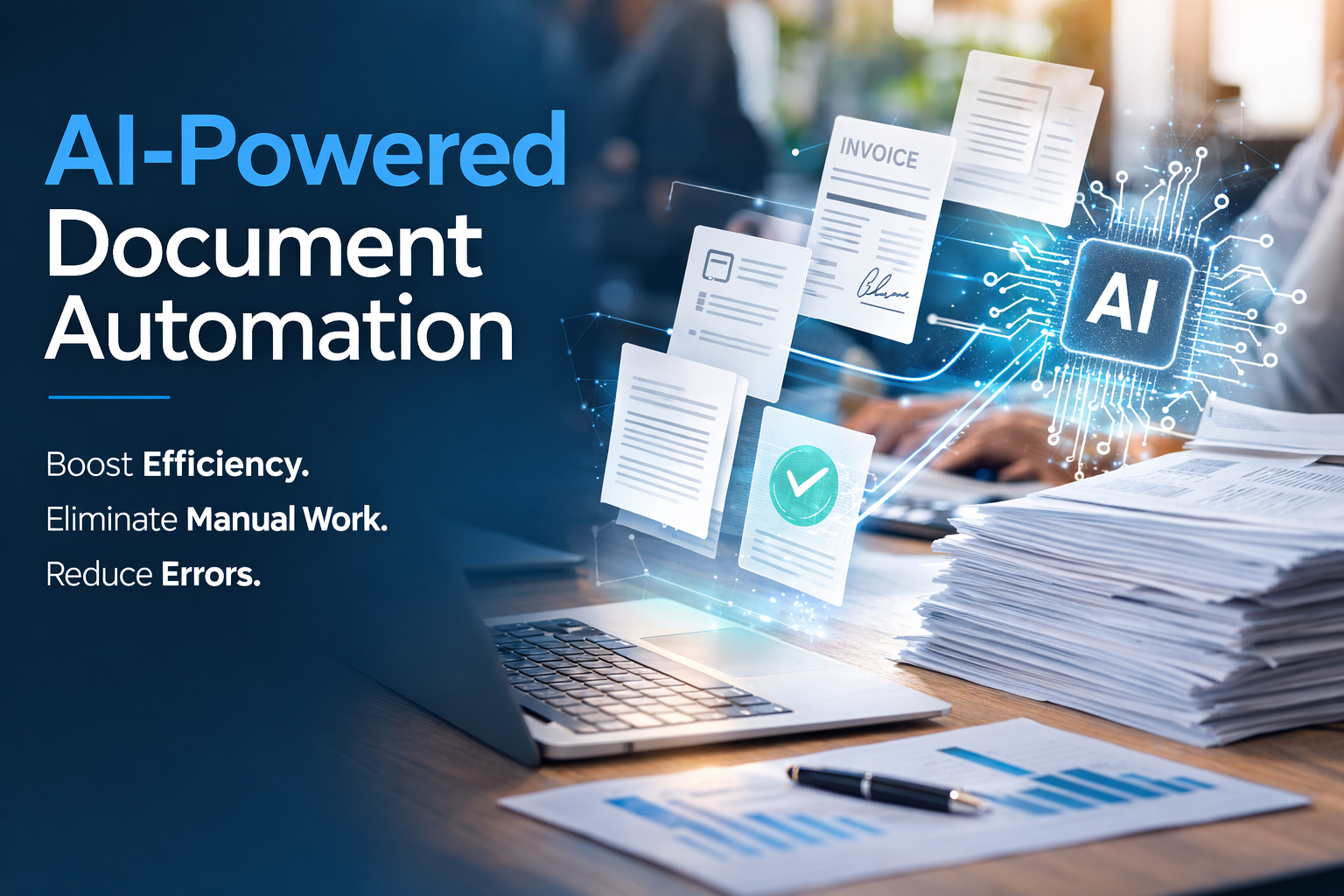
AI-powered document automation is changing how businesses handle one of their most persistent operational problems. Most businesses still process documents the same way they did 20 years ago. By hand.
The difference now is volume. There are more documents, more systems, and more places where things can break. The cost of small errors is higher, and the time spent managing them adds up quickly.
People are still opening files, figuring out what they are, pulling out key information, and typing it into other systems. It is slow, repetitive work, and it creates inconsistencies that show up later in reporting, compliance, and customer experience.
AI-powered document automation removes that manual work instead of just making it faster. It covers two things: processing the documents that come into your business, and generating the documents that go out. Most businesses are doing both manually. AI handles both automatically.
The Hidden Cost of Manual Document Processing Without Automation
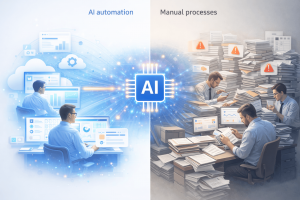
Manual document processing rarely looks like a major problem. It shows up in small, everyday tasks that feel normal.
An accounts payable clerk spends a few hours each day working through invoices. An operations manager wastes time tracking down a contract that was filed in the wrong place. Someone in HR enters the same employee data into multiple systems because nothing is connected.
None of this feels urgent, which is exactly why it continues.
Take invoice processing as a simple example. If each invoice takes ten to fifteen minutes to review and enter, and your team handles a couple hundred each month, that is easily thirty to fifty hours of work. Every month. On just one document type.
That time is only part of the cost. Errors creep in. Approvals get delayed. Reconciliation becomes harder than it should be. Over time, these small inefficiencies turn into real operational drag.
How AI Document Automation Works Step by Step
When people hear AI, it can feel abstract. In practice, AI-powered document automation follows a clear set of steps.
Step 1: Ingestion. A document comes in through email, upload, a portal, or an API. It does not matter what format it is in. The system ingests it as is.
Step 2: Classification. The AI determines what the document actually is. It does not rely on file names or manual tagging. It looks at the content and structure to identify whether it is an invoice, a contract, a shipping document, an employment form, or something else.
Step 3: Extraction. The AI pulls out the data that matters for that document type. For an invoice: vendor name, invoice number, line items, amounts, payment terms, due date. For a contract: parties, effective date, renewal date, key obligations. For a shipping document: origin, destination, cargo details, carrier, tracking numbers. You can see what that looks like in practice at Zepity’s AI Text Extraction platform.
Step 4: Validation. The extracted data gets checked against your business rules. Does this vendor exist in your system? Does the invoice amount match the purchase order? Are all required fields present? Documents that pass go straight through. Documents with issues get flagged clearly, with the specific problem identified so it takes seconds to resolve rather than minutes to hunt down.
Step 5: Routing and action. Validated data flows directly into your ERP, accounting platform, contract management system, or HR database. The appropriate workflow kicks off automatically: an approval request, a payment queue entry, a renewal reminder, or an alert to the right team member.
In many cases, the document moves from arrival to completion without anyone touching it.
Where Document Automation Has the Biggest Impact
The best place to start is usually obvious once you look for it. Any process where people are repeatedly reading documents and typing information into another system is a strong candidate. The same is true for workflows where volume is high and mistakes are costly.
Invoices and accounts payable. The most common starting point. High volume, predictable structure, direct connection to financial systems. AI extracts the data, matches it to the purchase order, validates amounts, and routes for payment automatically.
Contracts and agreements. Vendor contracts, NDAs, lease agreements. AI extracts key terms and dates, flags non-standard language, and ensures renewal dates do not get buried in a filing cabinet.
Onboarding and HR documents. Employment applications, tax forms, benefits enrollments. These arrive in bursts and create backlogs at exactly the wrong moments. AI processes them consistently and feeds data directly into HR systems.
Shipping and logistics documents. Bills of lading, packing lists, customs declarations, freight invoices. We work with logistics companies regularly, and this is one of the highest-impact automation opportunities we see. One mid-sized logistics company was processing hundreds of shipping documents each month by hand. After automating intake and validation, they reduced manual handling time by over eighty percent and eliminated a pattern of billing discrepancies that had been difficult to track down. The results showed up within the first couple of months.
Intake forms. Medical practices, financial services firms, and professional services companies can automate extraction and routing of form data rather than having staff manually re-enter it.
Claims and compliance documents. Complex document sets from multiple sources that need to be assembled, cross-referenced, and validated automatically.
Automating the Documents You Create with AI-Powered Document Automation
Inbound documents are only half of the problem. Most teams also spend a surprising amount of time creating documents from scratch.
Invoices get built from spreadsheets. Contracts are assembled by copying old versions. Proposals are pieced together from different files and emails. Reports are compiled by hand from data that already exists in your systems.
All of that work is predictable, which makes it a strong fit for AI-powered document automation.
Zepity’s AI Document Generation platform takes structured data from your CRM, ERP, accounting system, or database and produces complete, formatted documents automatically. The right information, in the right template, every time. No copy-pasting. No version confusion.
What makes this especially powerful is how it connects with document processing. An incoming purchase order triggers an order acknowledgment. A signed contract kicks off onboarding. A completed inspection generates a compliance certificate. Instead of documents being isolated tasks, they become part of a connected workflow.
What Changes After You Implement Document Automation
The first thing most teams notice is speed. Work that used to take hours gets done in minutes.
The bigger change is consistency. Manual processes vary depending on who is doing the work and how busy they are. That variability leads to errors, delays, and gaps that are hard to diagnose. Automation applies the same logic every time. As volume increases, the system handles it without requiring more people.
This is where the real value shows up. Not just in time saved, but in smoother operations and fewer downstream problems.
Getting Started with Document Automation
Most businesses assume this requires a major overhaul. It does not.
You can start with a single workflow. In many cases it can be running in weeks and integrated into the systems you already use.
The easiest way to begin is to look at where your team spends the most time on document-related work. Map out what happens from the moment a document arrives to the moment it is fully processed. The manual steps stand out quickly, and those are the ones worth automating first.
The work of reading, classifying, extracting, and re-entering document data does not require human intelligence. Automating it frees your team for the work that does.
Zepity provides end-to-end document automation covering both AI Text Extraction and Document Processing and AI Document Generation. If you are curious what this would look like in your own operations, we can walk through one of your workflows and show you exactly where automation would have an impact. Learn more at www.zepity.com.
About Zepity
Zepity is an AI-powered application builder designed for enterprise needs. We help businesses work with real-world data and build solutions that deliver measurable results quickly. Our platform includes document processing, document generation, workflow automation, chatbots, and analytics, all designed to improve efficiency without requiring perfect data. Learn more at www.zepity.com