


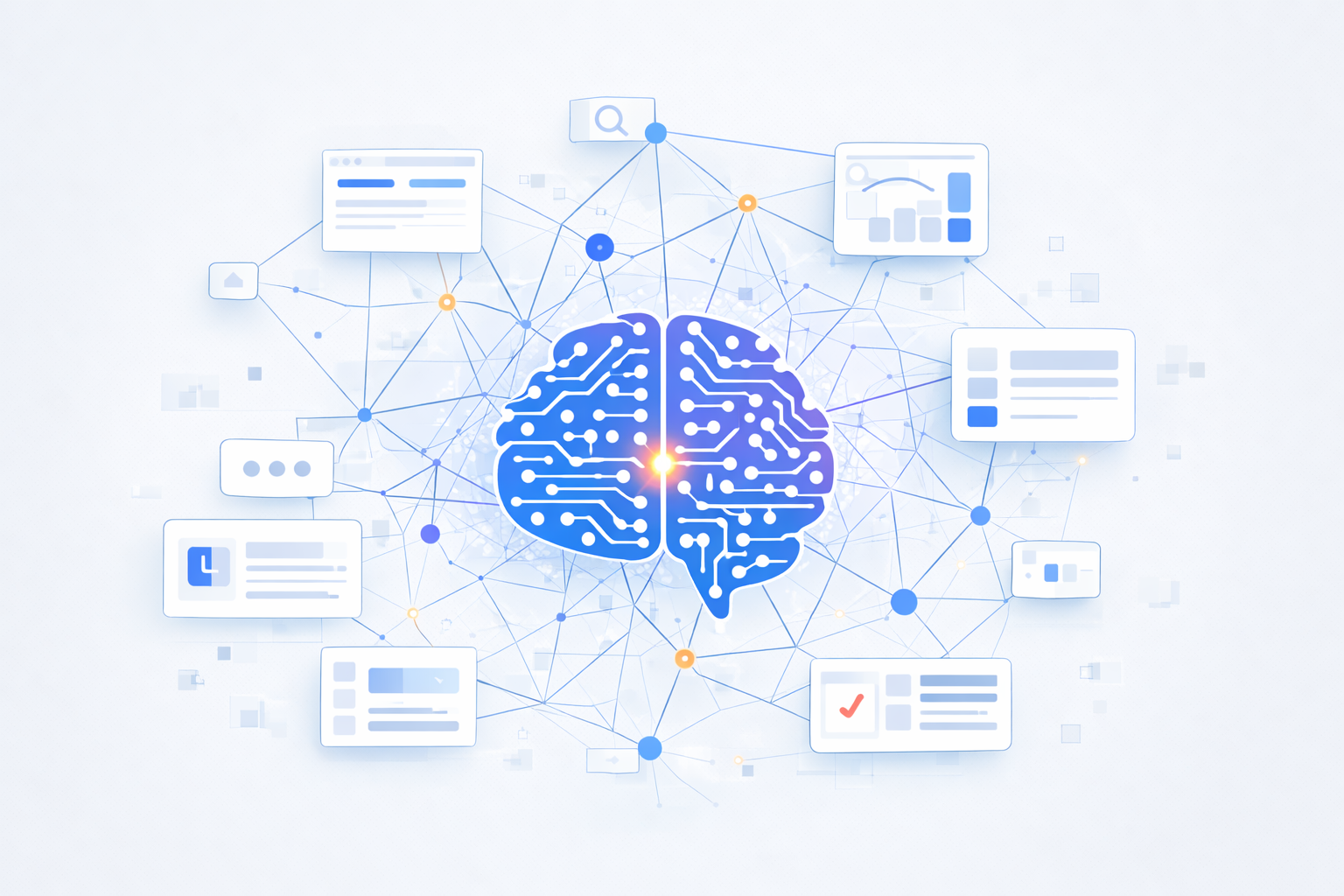
Your AI app builder just generated a beautiful dashboard in 30 seconds. Clean layout, modern color scheme, all the right components in all the right places. You’re impressed—until the team that actually needs to use it takes one look and says, “This won’t work.” The problem? The AI app builder design system wasn’t built for your business needs.
Welcome to the AI app builder paradox: generating interfaces is easy. Generating usable interfaces that solve real business problems? That’s an entirely different challenge.
The AI App Builder Landscape
AI app builders promise to democratize software development. Point, click, describe what you want, and watch as sophisticated applications materialize before your eyes. For simple use cases—landing pages, basic forms, CRUD applications—this works remarkably well.
But here’s the fundamental constraint that many vendors gloss over: AI can only recombine patterns it has learned. It’s a sophisticated pattern-matching engine, not a creative designer who understands your business domain. This limitation becomes painfully obvious when you move beyond generic applications into enterprise territory.
The difference between consumer apps and enterprise applications isn’t just scale—it’s complexity, compliance requirements, workflow integration, data governance, and the accumulated wisdom of how industries actually operate. An AI trained on generic UI patterns simply doesn’t have this context.
Why AI Builder Design Systems Are the Foundation
The quality of AI app builder design is fundamentally limited by the quality of the design systems they’re trained on. Think of design systems as the AI’s vocabulary—if it only knows generic words, it can only speak in generic sentences.
A design system isn’t just a component library of buttons and forms. It’s a collection of battle-tested patterns that encode real-world usage, accessibility standards, responsive behaviors, and user expectations. The best design systems—like Salesforce Lightning, SAP Fiori, or Atlassian’s design system—are built from thousands of real-world use cases across diverse contexts.
Consider the difference between an AI trained on Material Design basics versus one trained on Salesforce Lightning. The Material Design AI can create clean, modern interfaces. But the Lightning-trained AI understands concepts like record detail layouts, related lists, activity timelines, and approval processes—patterns specific to CRM workflows that generic design systems simply don’t include.
Beyond Components: The Invisible Architecture
Here’s where most people misunderstand what AI app builders actually do. When you think “AI-generated UI,” you’re probably picturing buttons, forms, charts, and layouts—the visible components. But in enterprise applications, the UI is just the tip of the iceberg.
The real complexity lies beneath the surface:
Data models: How do entities relate to each other? A customer connects to orders, which connect to line items, which connect to inventory, which connects to suppliers. These relationships define how information flows through your business.
State management: What happens when a user is halfway through a multi-step process and needs to save their work? How does the application handle draft states, validation errors, and data persistence?
Business logic: Validation rules, calculations, conditional workflows, automated processes. These aren’t UI elements—they’re the rules that make your application actually work for your business.
Permissions and roles: Who can see what? Who can edit what? When can they do it? Role-based access control is critical for enterprise applications but invisible to end users.
Integration points: How does this module connect to your ERP? Your CRM? Your payment processor? Your inventory management system? Enterprise applications don’t exist in isolation.
An AI can generate a beautiful “Create Invoice” form. But does it understand the workflow sequence from quote to approval to invoice to payment to fulfillment? Does it know that certain fields need to auto-populate based on customer tier? That finance needs different views than sales? That this form needs to integrate with your ERP, CRM, and payment processor?
Without domain-informed data models and workflows baked into the design system, you get pretty forms that don’t actually solve business problems.
The Training Data Problem
Most AI app builders are trained on whatever open-source and publicly available UI code they can find. This creates a homogenization problem—everything starts looking like Bootstrap or Tailwind because that’s what dominates the training data.
But more problematically, generic component libraries don’t capture the nuance of enterprise applications. They have buttons and forms, but they don’t have:
- Record detail layouts that adapt based on record type
- Related lists that maintain context across navigation
- Activity timelines that integrate multiple data sources
- Approval processes with multi-stage routing
- Audit trails that track every change
- Dashboard layouts that refresh based on user permissions
These patterns exist in mature enterprise platforms, but they’re not well-represented in the training data of generic AI app builders.
What This Means for Your Next Project
When evaluating AI app builders, don’t just ask “Can it generate an interface quickly?” Ask:
- What design systems is it trained on? Are they generic or domain-specific?
- Does it understand the data models and workflows specific to your industry?
- Can it generate not just the UI but the underlying business logic and integrations?
- How does it handle the invisible architecture—permissions, state management, validation?
A sophisticated AI app builder design system does more than make things look pretty. It encodes real-world patterns, industry expertise, and the accumulated wisdom of thousands of implementations. But even the best design system has limitations—which is why the human element remains critical.
In our human element in AI development, we’ll explore why domain expertise and human judgment are essential for creating truly effective enterprise applications with AI—and why attempts to eliminate humans from the process consistently fail.
About Zepity
Zepity is an AI-powered application builder designed for enterprise needs. We help businesses assess their AI readiness and build solutions that work with real-world data. Our platform includes AI document processing, chatbots, workflow automation, and analytics—all designed to deliver results even when your data isn’t perfect. Learn more at www.zepity.com